
Live chat pricing pages are designed to be compared quickly and understood slowly. Per-seat prices sit in big type; the things that actually determine your bill — automation fees, overage charges, onboarding costs, tier gates on essential features — sit in footnotes, tooltips, and sales calls. The result is predictable: teams budget for the headline number and get surprised by the invoice.
This guide explains how live chat pricing actually works — the models vendors use, how they combine them, and how to compute the number you’ll really pay. It ends with a worked example using clearly labeled illustrative figures so you can see the math, not just the theory.
Model 1: Per Seat (Per Agent)
The classic model: you pay a fixed amount per agent per month. It’s simple, predictable, and easy to budget — which is why it dominated the industry for years. The variations are where the money hides. Some vendors charge per “seat” (anyone with a login) while others charge per “concurrent agent” (only those online at once) — a meaningful difference for teams with shifts. Some count administrators and supervisors as seats; others don’t. And the per-seat price usually varies by tier, with essential features gated behind higher tiers.
Per-seat pricing rewards lean teams and punishes growth: every hire increases the bill. It also creates a subtle incentive to share logins, which vendors combat with concurrent-session limits. When comparing per-seat prices, always ask what’s included at that tier — a cheaper seat that excludes integrations and automation is often the more expensive choice.
Model 2: Usage-Based
Usage-based pricing charges for what you consume: conversations, messages, or AI resolutions per month. The pitch is fairness — quiet months cost less — and for businesses with spiky volume (seasonal retail, event-driven support), it can genuinely be cheaper than paying for seats that sit idle. The risk is unpredictability. A viral moment or a product incident can multiply your bill in a single month, and forecasting requires understanding your conversation patterns, not just your headcount.
Watch the definitions carefully. A “conversation” might mean any chat session, or only sessions with agent involvement, or only sessions past a message threshold. “AI resolutions” might count every bot interaction or only ones the system marks resolved. These definitions are the pricing — the per-unit rate is secondary. Always get the definitions in writing and model them against your actual history.
Model 3: Hybrid (Seats Plus Metered Add-Ons)
The increasingly common reality: a per-seat base plus metered charges for AI features, automation, or overages. You pay for your agents, then pay again per AI-resolved conversation, per chatbot session beyond an allowance, or per thousand messages past a threshold. This is the model most likely to surprise buyers, because the headline per-seat price looks familiar while the metered components quietly dominate the invoice for automation-heavy teams.
Hybrid pricing isn’t inherently bad — it can align cost with value better than pure per-seat. But it demands the most careful modeling. You need to know your monthly conversation volume, your realistic automation rate (not the vendor’s demo rate), and your peak-month multiplier. A vendor quote that doesn’t include the metered components at your volume isn’t a quote; it’s an advertisement.
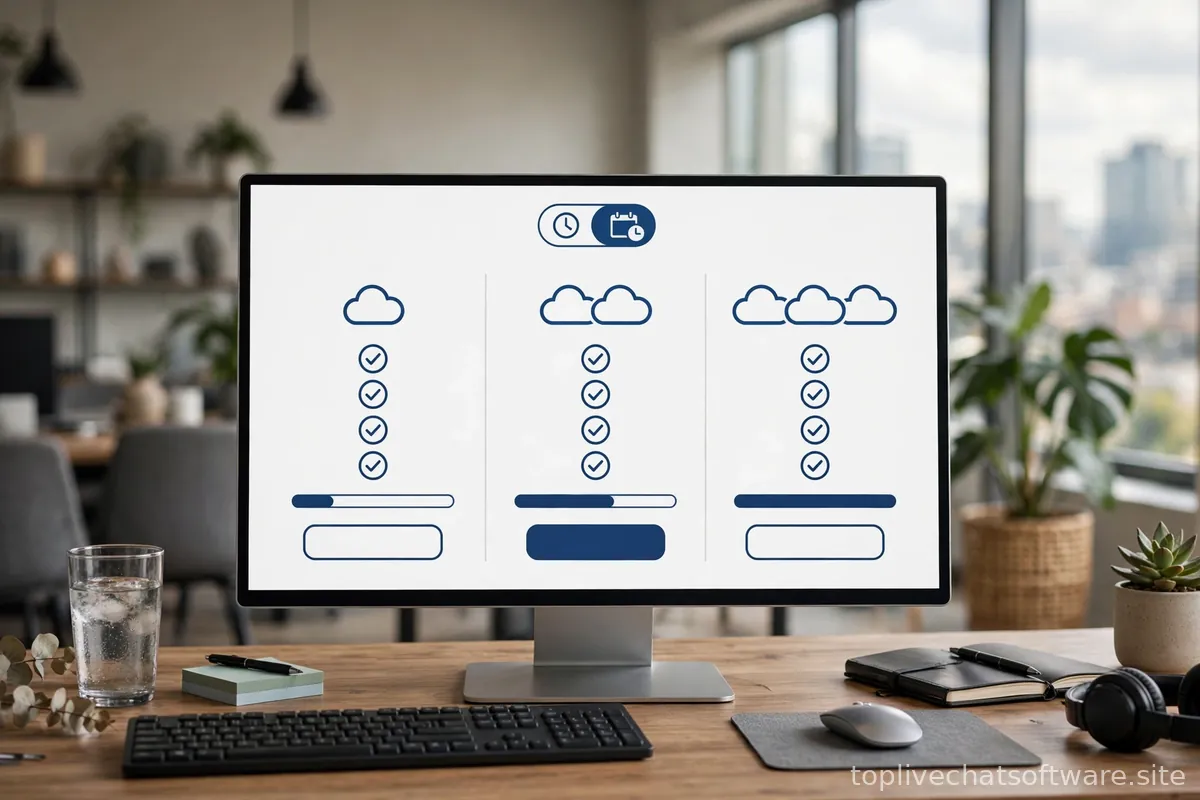
The Tier Game: What’s Gated and Why It Matters
Almost every vendor sells three to four tiers, and the tier structure is a deliberate part of the pricing strategy. The pattern is consistent across the industry: the entry tier covers the basics (widget, inbox, a few seats), the middle tier adds integrations and automation, and the top tiers add security, analytics, and advanced AI. The features that determine real-world success — CRM integration, chatbots, meaningful reporting — almost always live in the middle tier or above.
This means the “starting at” price on the pricing page is frequently irrelevant to a serious buyer. Map your required features to tiers before comparing prices: if you need Salesforce integration and it’s gated to the third tier, the first tier’s price is fiction for you. Make a checklist of your must-have features, mark which tier each vendor requires for each, and only then compare the numbers. Teams that skip this step routinely discover mid-implementation that they need to upgrade two tiers to get the integration the whole project depended on.
Overages, Overage Traps, and Renewal Math
Overages are where predictable pricing goes to die. Common structures: per-conversation fees past your allowance, automatic tier bumps when you exceed seat counts, and AI-resolution charges with no cap. The danger isn’t the existence of overages — it’s discovering the rate during your busiest month. Before signing, ask three questions: what exactly triggers an overage, what does each overage unit cost, and is there a cap or alert before charges accrue?
Renewal math deserves equal attention. Many vendors offer attractive first-year pricing that steps up on renewal, or per-seat prices that rise as you add the agents you planned to hire anyway. Model a three-year total cost, not a first-month cost: year-one price, expected seat growth, expected volume growth, and the renewal rate. A tool that’s cheapest in month one is often not cheapest in month thirty-six. Our guide to hidden costs of live chat software covers the non-subscription expenses — implementation, training, integration work — that belong in the same three-year model.
Worked Example: The Math, Step by Step
Important: every number below is illustrative and fictional — invented solely to demonstrate the calculation method. Real vendor prices differ, change frequently, and should always be verified on the vendor’s current pricing page. The method is what matters; plug in real numbers when you get quotes.
Meet “Example Corp,” a fictional mid-sized online retailer evaluating a hypothetical hybrid-priced chat tool:
- Team: 8 support agents across two shifts, 5 typically online at once
- Volume: 3,000 conversations/month normally, 6,000 in peak holiday months (2 peak months/year)
- Plan (illustrative): $40/seat/month base tier; AI resolutions at $0.50 each beyond 500 included/month; CRM integration requires the $60/seat tier
Step 1 — Seat cost at the right tier. They need the CRM integration, so the $40 tier is irrelevant. 8 seats × $60 = $480/month base. (Note: they checked whether “concurrent agent” pricing was available for their shift pattern — it wasn’t, so all 8 logins count.)
Step 2 — AI resolution costs. They estimate the bot can genuinely resolve 25% of conversations — 750/month normally. Included allowance: 500. Overage: 250 × $0.50 = $125/month in normal months. In peak months: 1,500 bot resolutions minus 500 included = 1,000 × $0.50 = $500/month.
Step 3 — Annual total. Normal months: ($480 + $125) × 10 = $6,050. Peak months: ($480 + $500) × 2 = $1,960. Annual subscription total: $8,010 — versus the $3,840/year the $40/seat headline price suggested. The headline number understated reality by more than half.
Step 4 — Three-year view. They expect to grow to 12 agents by year three and volume to grow 20%/year. Re-running the math with growth (and the vendor’s stated renewal pricing) gives roughly $11,000 in year two and $14,500 in year three. Three-year subscription total: about $33,500 — nearly nine times the first-glance annual estimate.

The point isn’t the specific figures — they’re fictional. The point is the method: right tier, real volume, metered components, peak months, multi-year horizon. Run this calculation for every finalist with real quotes, and pricing comparisons become honest. For how these numbers scale at the extremes, see our guides to pricing for small teams and enterprise live chat pricing.
What You Can Actually Negotiate
More than most buyers assume. Vendors routinely negotiate on: per-seat rates for annual commitments (10–25% off list is common for yearly prepay), included AI-resolution allowances, onboarding and implementation fees (often waived entirely), and renewal caps that limit year-two price increases. What’s harder to negotiate: the underlying pricing model, overage rates, and tier gates — those are structural. Your leverage is highest with competing quotes in hand and a clear walk-away alternative, including the option to stay on your current tool. Never negotiate against a deadline the vendor set; renewal “expiring discounts” are almost always renewable.
One more negotiation point buyers overlook: the pilot. Before a full rollout, negotiate a paid pilot on a subset of your traffic — one website, one team, ninety days — with the metered components billed at the contracted rates. A pilot gives you real volume data to validate your cost model before committing the whole company, and vendors confident in their pricing will agree to it. If a vendor resists a pilot but pushes an annual contract, ask yourself what they know about their metered pricing that you don’t.
Pricing Red Flags
- No public pricing at all (“contact sales”) for a product aimed at small teams — expect a long sales cycle and prices set by your perceived budget.
- Metered components with no usage dashboard — you can’t manage what you can’t see; surprise invoices follow.
- Essential integrations gated to the top tier — the entry price is bait; your real tier is two levels up.
- First-year discounts with unstated renewal rates — always ask for the renewal price in writing before signing.
- Per-“conversation” pricing with vague definitions — the definition is the price; vagueness is a feature for the vendor, not you.
The headline price is the beginning of the investigation, not the end. Your real price is: the right tier, times your real seats, plus every metered component at your real volume, across three years.
The Short Version
Live chat pricing runs on three models — per-seat, usage-based, and hybrid — with tier gates and overages doing most of the real work. Map your must-have features to tiers first, get metered-component definitions in writing, model normal and peak months separately, and always compute a three-year total before comparing vendors. Negotiate annual discounts, included allowances, and renewal caps; don’t expect to change the model itself. And remember the illustrative example above is a method, not a quote — verify everything against current vendor pricing pages. For the broader evaluation, return to a fixed set of comparison criteria.
When vendors’ own docs are unclear, third-party references help: the Wikipedia overview of live support software gives neutral category context, and most vendors’ help centers (such as the Zendesk help center) document their current billing mechanics in detail.